Professional Starlink Mounting, Cabling and Setup

Finding a suitable permanent position and routing a Starlink cable safely can be more involved than the initial setup. Trees, rooflines and nearby structures can interrupt the sky view, while exposed cables remain vulnerable to damage.

Comms Cabling Central Coast provides Starlink installation for Central Coast homes and businesses. We assess the site, mount the dish, route cabling and connect the router for testing and use.

Whether Starlink will be your primary connection or support an existing network, the installation is planned around the property and how internet access is needed inside it.
Starlink site and obstruction assessment
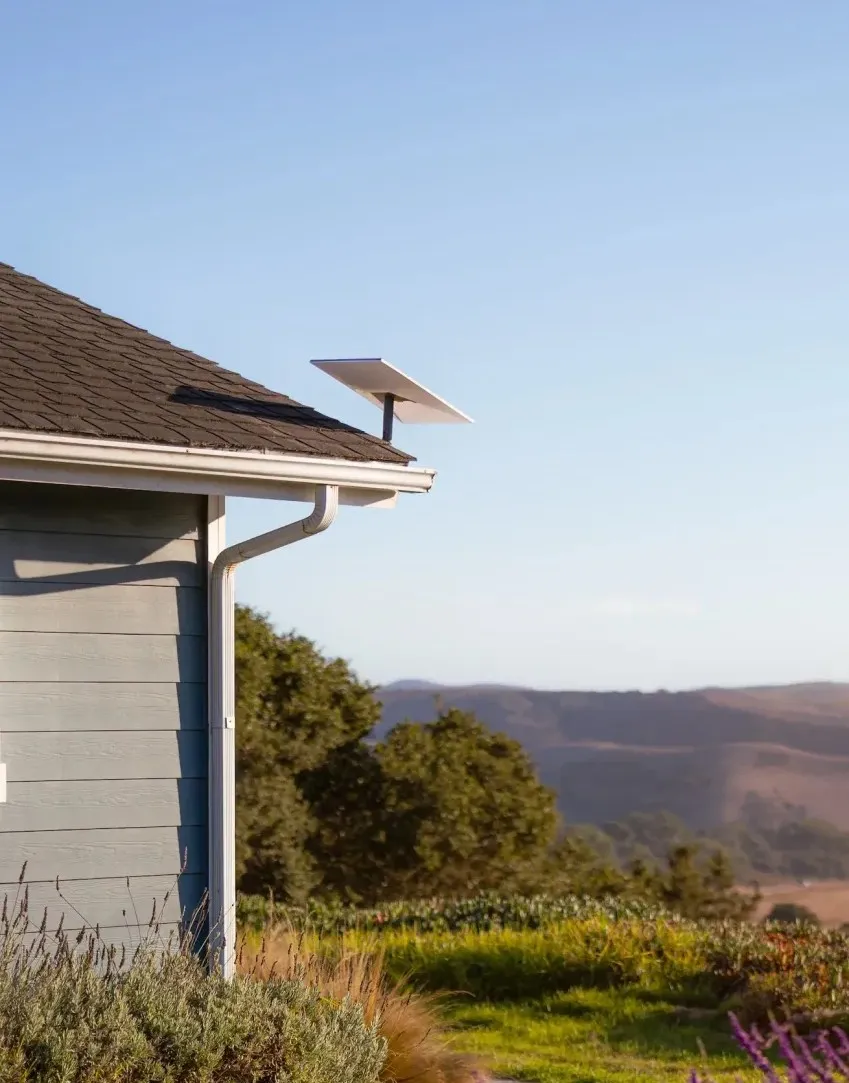
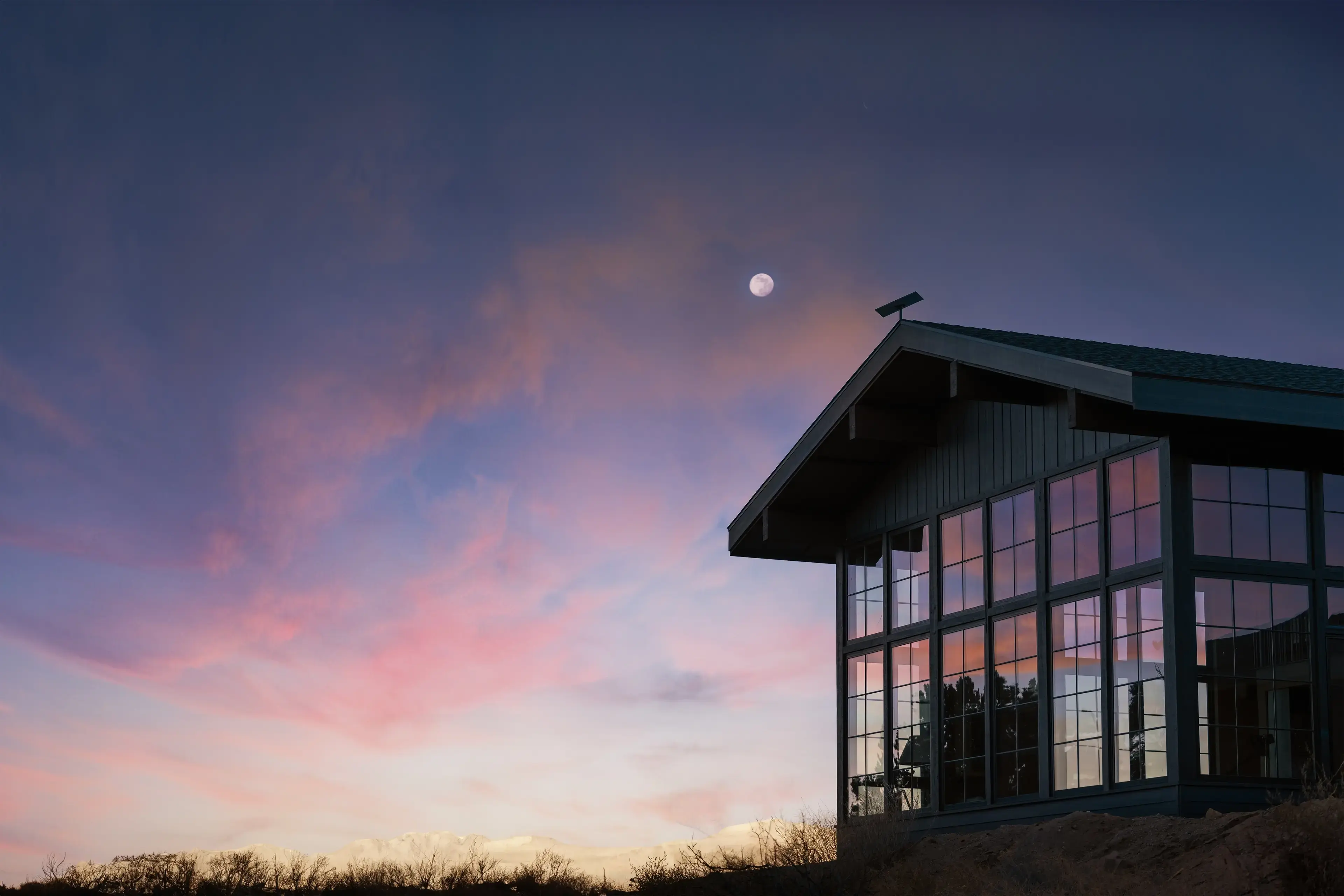
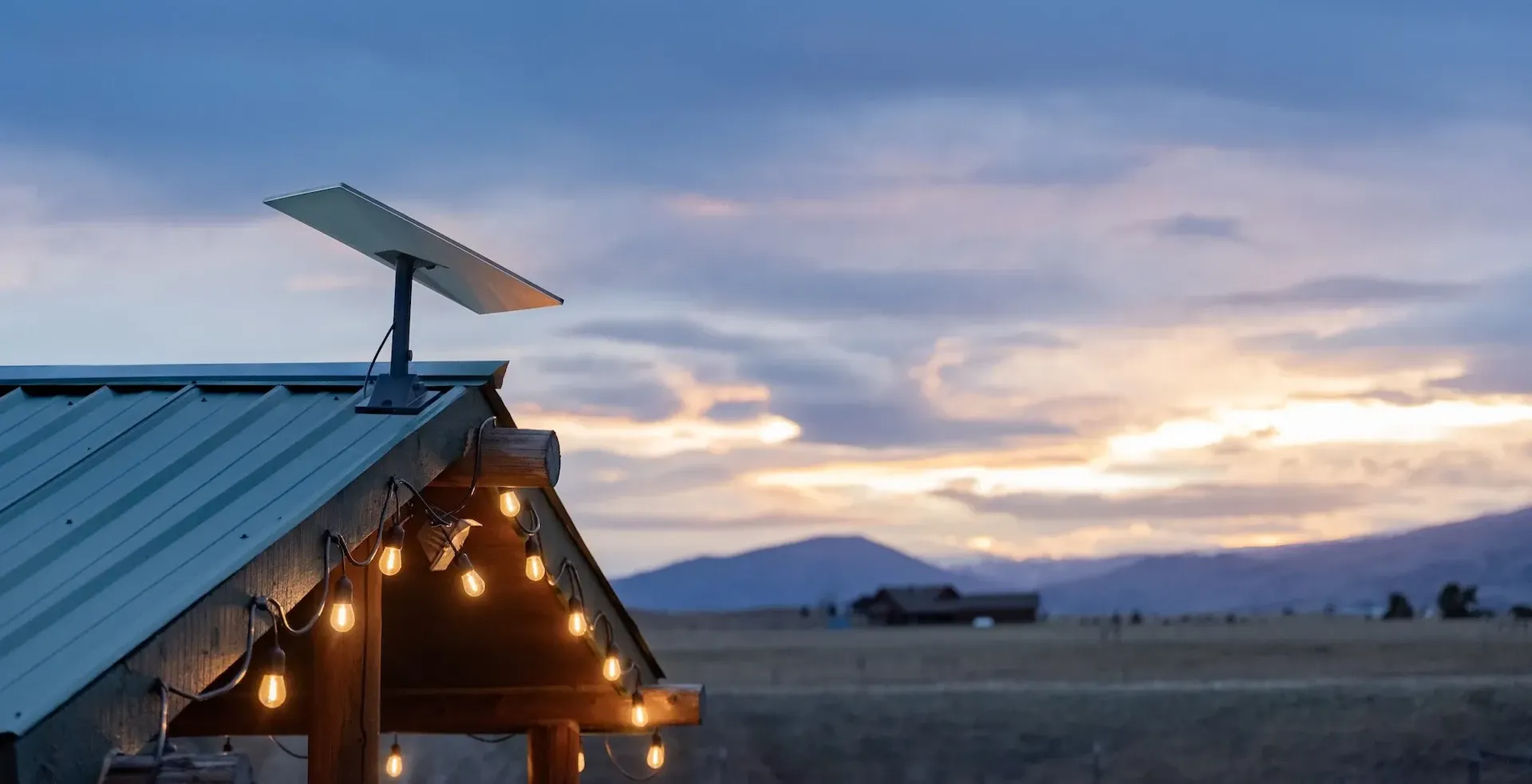
Roof, eave, wall or pole mounting
Cable routing into the property
Router and Wi-Fi setup
Data cabling and network integration

Why Use a Professional Starlink Installer?

A temporary ground-level setup may not provide the sky view or cable protection needed for ongoing use. Permanent installation must account for mounting strength, roof access, weather exposure and cable routing.

‍

Professional installation may be suitable when:

  • The dish needs to be installed on a roof, eave, wall or pole
  • Trees or buildings obstruct the view from ground level
  • You do not have safe access to the proposed mounting area
  • The Starlink cable needs to pass through an external wall
  • Exposed cabling would cross walkways or outdoor areas
  • The router needs to connect with existing data cabling
  • Wi-Fi must reach a larger home, office or separate building
  • You want a permanent setup rather than the supplied temporary base

‍

The aim is to create a secure installation with a practical cable route and suitable position for the Starlink router

What Our Starlink Installation Service Includes

Site Assessment and Obstruction Check

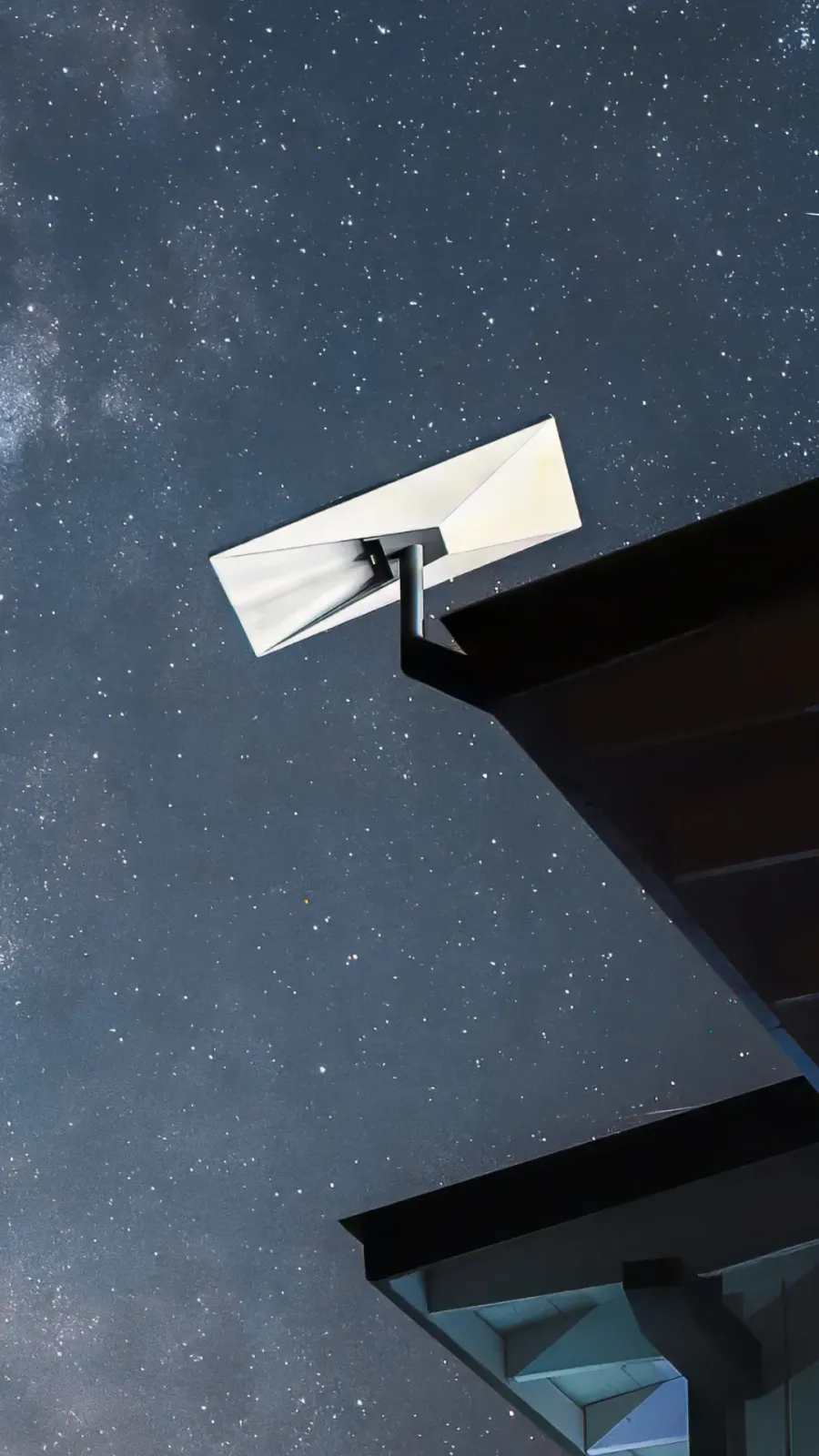
Starlink requires a wide, clear view of the sky. We review mounting locations and use the available Starlink tools to check for obstructions. Roof condition, access, cable length and the route into the building are also considered.

Dish Mounting

Depending on the property and Starlink model, the dish may be mounted on a roof, eave, wall or suitable pole. We install a compatible mount on a sound surface and position the hardware according to its requirements. The setup is checked through the Starlink app where applicable.

Starlink Cable Routing

We plan a protected route between the dish and indoor equipment, avoiding sharp edges, crushing and foot traffic. Where the cable passes through an external surface, the entry point is finished to help prevent moisture entry. The route also accounts for connector size and cable bending requirements.

Router Setup and Connection Testing

We help connect the Starlink router and check that the system can come online. Its position is considered in relation to power, ventilation and Wi-Fi coverage. The Starlink app can confirm system status, alignment where relevant and obstruction warnings. Actual speeds vary according to the plan, demand, weather and other conditions.

Wi-Fi and Data Cabling Integration

The Starlink router may not cover every room or separate structure from one position. We can install data cabling, wired access points or compatible network equipment to extend the connection through a home or business.

‍

For granny flats, workshops or outbuildings, the best solution depends on distance, available pathways and the performance required. Fibre or data cabling may provide a more stable link than attempting to stretch one Wi-Fi signal across the entire property.

Our Starlink Installation Process

1

Review theproperty

We discuss how Starlink will be used and assess possible dish and router locations.

2

Check the sky view

Potential positions are reviewed for obstructions and installation access.

3

Confirm the mounting and cable route

We explain the proposed setup and any additional network work required.

4

Install theequipment

The compatible mount, dish and cabling are installed along the agreed route.

5

Connect and test

The router is connected and the system is checked through the Starlink setup process.

Choosing the Best Position for a Starlink Dish

A suitable location should provide:

  • A clear sky view: Trees, roof sections and nearby buildings should not regularly block the dish.
  • Secure support: The mounting surface must be sound and appropriate for the selected mount.
  • Safe access: Installation and future inspection should be possible without creating avoidable risk.
  • Cable protection: The route should keep the cable away from crushing, sharp bends and high-traffic areas.
  • A practical indoor endpoint: The cable needs to reach a suitable location for the router and power.
  • Room for future changes: Tree growth, renovations or added structures may affect long-term suitability.

‍

We consider these factors together rather than selecting a location based only on height or appearance.

Starlink Installation for Homes and Businesses

Starlink may suit rural homes, home offices, commercial sites and properties where fixed-line services are unavailable or unsuitable. Business installations may require data points or access points to reach workstations and shared devices. We plan the internal setup around the users, existing network and areas requiring access. For broader support, see our internet technician service.

Why Choose Comms Cabling Central Coast?

A successful Starlink setup depends on both the outdoor installation and the network inside the property. Comms Cabling Central Coast provides:

  • Local experience since 2015: We support homes and businesses throughout the Central Coast from our Kanwal base.
  • Complete installation planning: We consider the dish, mount, cable route, router and internal coverage together.
  • Certified technicians: Our team works across data cabling, fibre optic cabling, internet setup and network improvements.
  • Property-specific mounting options: The installation is planned around the building, sky view and access conditions.
  • Support beyond the dish: We can integrate Starlink with data points, access points and existing network infrastructure.

Frequently Asked Questions

Does Starlink need a clear view of the sky?
Can Starlink be installed on any roof?
Can the Starlink cable be run through a wall?
Do I need to purchase the Starlink kit before installation?
Can Starlink connect to my existing Wi-Fi or data network?

Ready to Get Starlink Installed?